
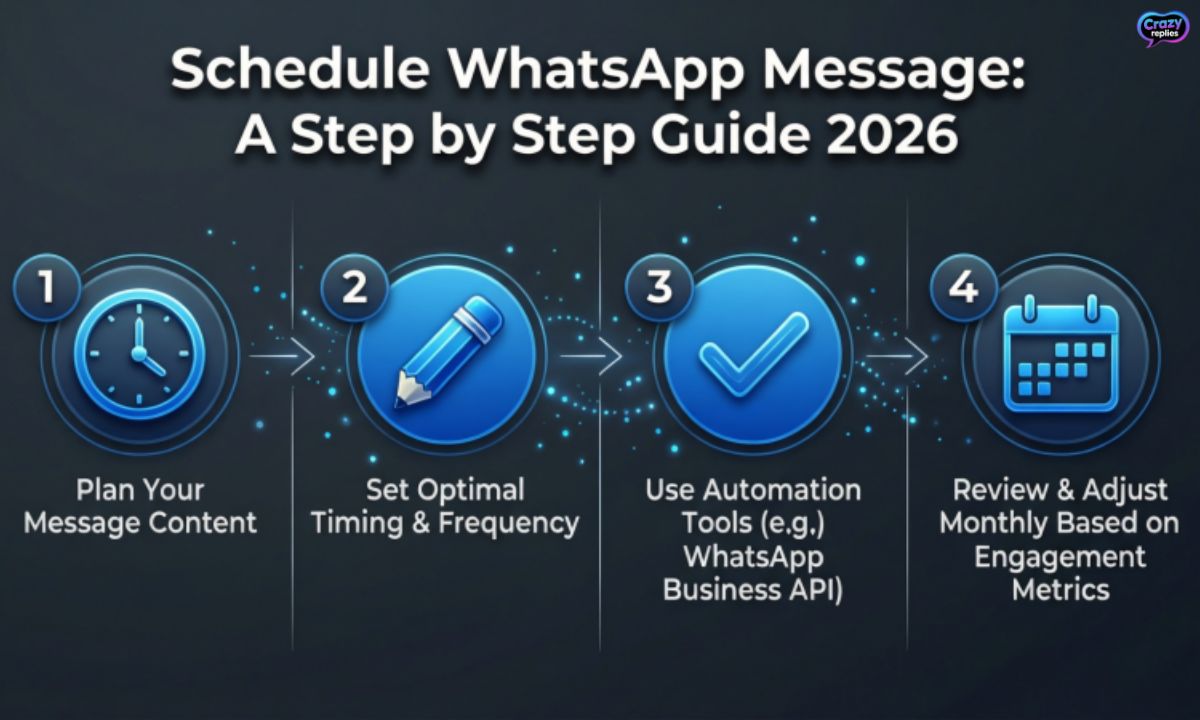
Ever missed sending a WhatsApp message at the perfect moment? Don’t worry! With our step-by-step guide 2026, you can schedule messages in advance and never forget to greet, remind, or surprise anyone again.
Whether it’s for birthdays, business updates, or just daily motivation, scheduling messages makes life easier and your WhatsApp game stronger.Say goodbye to last-minute rushes and hello to smart, stress-free messaging!
Why Schedule WhatsApp Messages?
Life gets busy, and remembering to send messages at the right time can be challenging. When you schedule WhatsApp message, you take control of your communication and never miss important moments.
Instead of setting multiple reminders or staying up late, you can automate the process entirely. The ability to schedule WhatsApp message means you work smarter, not harder.
Key Benefits:
Boost Productivity: Set your messages in advance and focus on other important tasks without interruptions.⏰
Send Timely Messages: Reach people at the perfect moment, even when you’re sleeping or in meetings.📩
Improve Engagement: Connect with your audience when they’re most active, increasing response rates and building better relationships.💼
Which Method is Right for You? Quick Comparison

Choosing the best way to schedule WhatsApp message depends on your needs and goals. Whether you’re an individual user or running a business, understanding each method helps you pick the right solution.
Here’s a quick breakdown to help you decide which option works best when you want to schedule WhatsApp message:
| Method | Best For | Reliability | Scalability | Cost |
| Third-Party Apps | Personal users, small businesses | Medium | Low to Medium | Free to $10/month |
| WhatsApp Business API | Large businesses, enterprises | High | High | Custom pricing |
| Automation Tools | Marketing teams, bulk messaging | High | Medium to High | $15-$50/month |
| Built-in Shortcuts (iOS) | iPhone users, simple scheduling | Medium | Low | Free |
| Android Scheduling Apps | Android users, basic automation | Medium | Low to Medium | Free to $5/month |
How to Schedule WhatsApp Messages on Android & Samsung
Android users have multiple options to schedule WhatsApp message directly from their phones. The most popular method involves using third-party apps like SKEDit or Do It Later, which work seamlessly with WhatsApp automation.
These Android WhatsApp scheduler apps are easy to set up and reliable for personal use. Once configured, you can schedule WhatsApp message for any time and date without keeping your phone active.
Step-by-Step Process:
Install a Scheduling App: Download SKEDit or Do It Later from Google Play Store and open the app.📲
Grant Required Permissions: Allow accessibility and notification permissions so the app can schedule WhatsApp message automatically.⏱️
Set Up Your Message: Select WhatsApp, choose your contact, type your message, and set the date and time.
Enable Automation Settings: Turn on the automation feature and ensure your phone has battery and internet connectivity.
Finalize and Activate: Review your scheduled message and activate it to let the app send it at the specified time.
How to Schedule WhatsApp Messages on iPhone (Using Shortcuts)
iPhone users can schedule WhatsApp message using the built-in Shortcuts app, which offers basic automation without downloading third-party tools. While it’s not as advanced as dedicated apps, it works well for simple scheduling needs.
This iPhone WhatsApp scheduling method is completely free and integrates directly with iOS. You can schedule WhatsApp message for specific times, though it requires some manual setup each time.
Step-by-Step Process:
Open Shortcuts App: Launch the Shortcuts app on your iPhone (pre-installed on iOS 13 and above).📱
Create New Automation: Tap “Automation” at the bottom, then select “Create Personal Automation” and choose “Time of Day.”⚡
Add WhatsApp Action: Search for “Open App” and select WhatsApp, then add “Send Message” action with your contact and text.
Save and Activate: Set your desired time, turn off “Ask Before Running,” and save the automation to schedule WhatsApp message.
How to Schedule Messages on WhatsApp Web
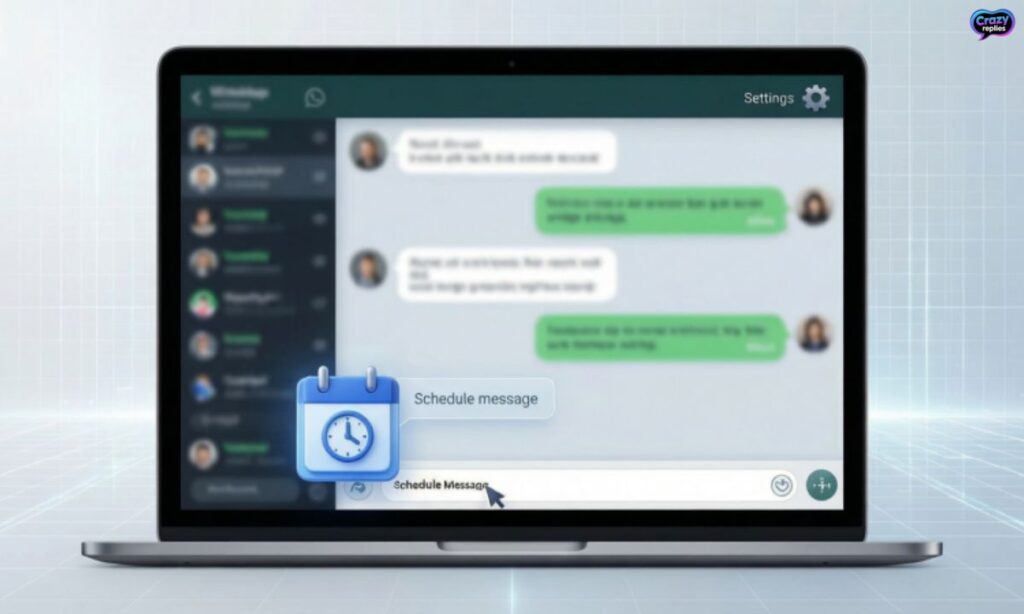
WhatsApp Web doesn’t have a native feature to schedule WhatsApp message, but browser extensions make it possible. Tools like Blueticks and WATI allow you to use a WhatsApp Web message scheduler directly from your computer.
This method is perfect for people who work on their laptops all day and need to schedule WhatsApp message without picking up their phone. It’s convenient and works across both Windows and Mac systems.
Step-by-Step Process:
Install Browser Extension: Add a scheduling extension like Blueticks or WATI to your Chrome or Edge browser.💻
Log in to WhatsApp Web: Open WhatsApp Web and scan the QR code to connect your account.
Select Your Recipient: Choose the contact or group where you want to schedule WhatsApp message.
Compose Your Message: Type your message in the extension interface and click on the scheduling icon.
Set Date and Time: Pick your desired date and time, then confirm to schedule WhatsApp message for automatic delivery.
Scheduling in WhatsApp Business App
The WhatsApp Business app offers limited built-in automation for businesses who want to schedule WhatsApp message responses. While you can’t schedule specific outgoing messages, you can set up automated replies that trigger based on customer interactions.
This WhatsApp for business scheduling feature helps maintain customer engagement even when you’re unavailable. It’s a useful starting point for small businesses exploring WhatsApp business messaging automation.
Types of Automated Messages:
Greeting Messages: Automatically send a welcome message when customers contact you for the first time or after 14 days of inactivity. This helps you schedule WhatsApp message responses without manual effort.🏢
Away Messages: Set up automatic replies when you’re outside business hours or unavailable. You can customize these WhatsApp automated replies to inform customers when you’ll be back and schedule WhatsApp message follow-ups.🤖
Using WhatsApp Business API for Large Campaigns
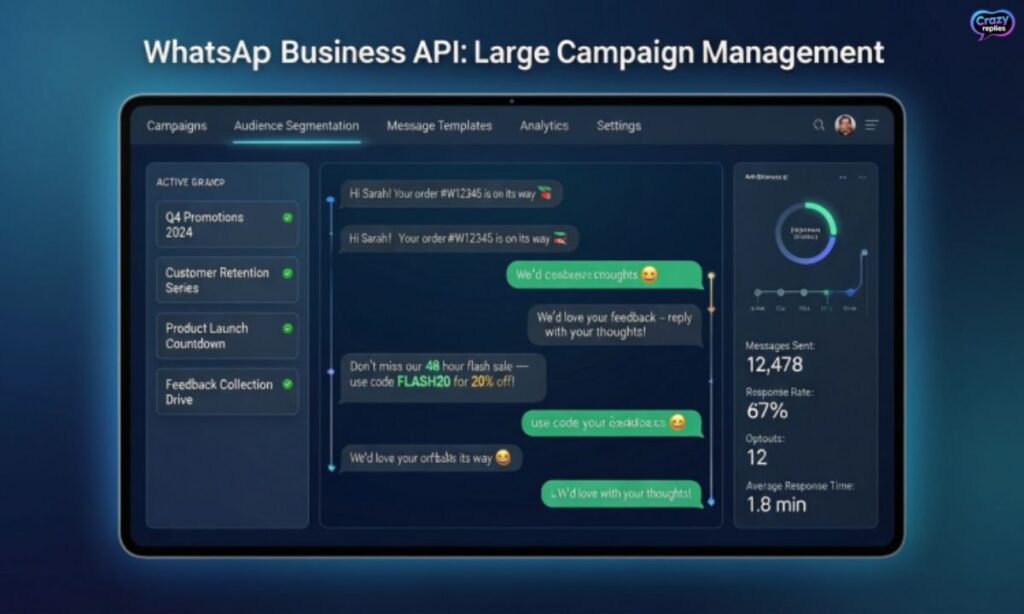
For businesses running large-scale operations, the WhatsApp Business API is the most powerful way to schedule WhatsApp message campaigns. This enterprise solution allows you to send bulk WhatsApp messages and manage WhatsApp marketing automation at scale.
Unlike basic apps, the WhatsApp API provides advanced features for WhatsApp campaign automation and analytics. It’s the go-to choice for companies that need to schedule WhatsApp message broadcasts to thousands of customers reliably.
Key Features:
Bulk Broadcasts: Send personalized messages to thousands of contacts simultaneously and schedule WhatsApp message campaigns for optimal timing.📈
Drip Campaigns: Automate sequential messages over days or weeks, perfect for WhatsApp marketing campaign scheduling and customer nurturing.⚙️
CRM Integration: Connect with your existing WhatsApp CRM integration tools to schedule WhatsApp message based on customer behavior and data.
Guaranteed Delivery: Enjoy high reliability and delivery rates with official API support, ensuring your scheduled notifications reach customers every time.
Troubleshooting Common Issues
Even with the best tools, you might face problems when trying to schedule WhatsApp message on your device. Understanding common issues helps you fix them quickly and ensures your WhatsApp message scheduler works smoothly every time.
Common Problems and Solutions:
Phone Turned Off: Your phone must be on with internet access when the scheduled time arrives. Most apps can’t schedule WhatsApp message if your device is completely powered off.⚠️
Permission Issues: Check that you’ve granted all necessary permissions like accessibility, notifications, and battery optimization for your WhatsApp automation tools to work properly.
App Conflicts: Sometimes WhatsApp updates or other apps interfere with scheduling. Restart both WhatsApp and your scheduling app if messages fail to send.
Network Problems: Ensure you have stable Wi-Fi or mobile data when it’s time to schedule WhatsApp message, as poor connectivity can prevent automatic sending.
Advanced Tips & Hacks
Once you master the basics, there are advanced techniques to schedule WhatsApp message more efficiently and save even more time. These pro tips help you maximize your WhatsApp automation and get better results from your messaging strategy.
Pro Tips to Level Up:
Set Up Recurring Messages: Use automation tools to schedule WhatsApp message that repeats daily, weekly, or monthly for reminders, greetings, or regular updates.💡
Batch Schedule to Multiple Contacts: Save time by creating one message and scheduling it to several people at different times instead of setting up each one individually.🔁
Create Message Templates: Build reusable templates for common scenarios so you can quickly schedule WhatsApp message without retyping the same content.
Use Time Zone Optimization: When managing international contacts, schedule WhatsApp message based on recipients’ local time zones for maximum engagement and response rates.
Best Apps & Tools to Schedule WhatsApp Messages in 2026
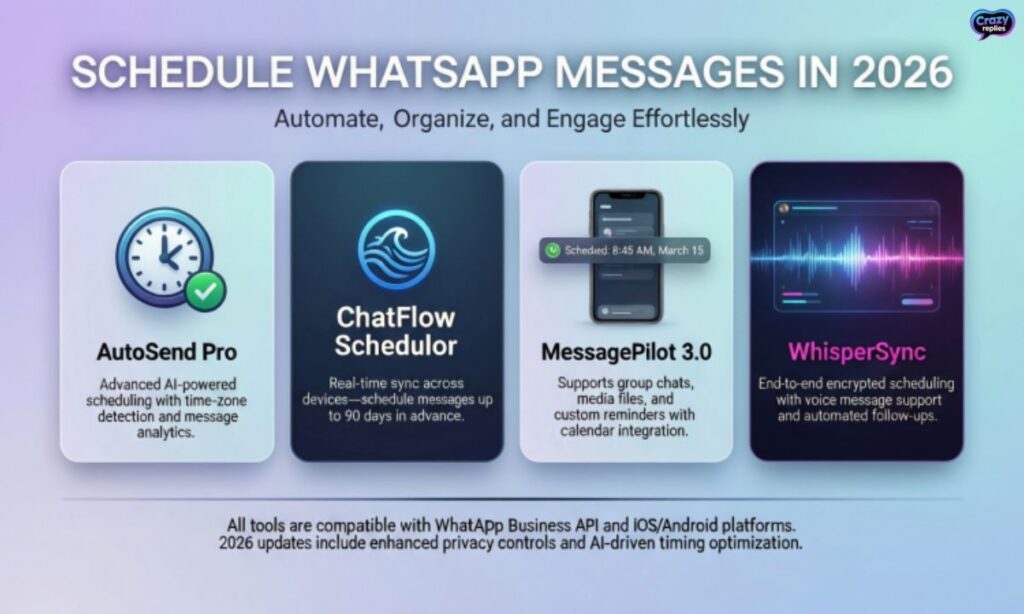
Choosing the right app makes it easier to schedule WhatsApp message reliably and efficiently. These WhatsApp automation tools offer different features, so pick one that matches your needs and budget.
Top 5 Apps:
SKEDit: Popular Android app to schedule WhatsApp message with support for recurring messages, multiple contacts, and easy setup.
Do It Later: Another excellent WhatsApp message scheduler app for Android with clean interface and reliable message automation.
Blueticks: Chrome extension for WhatsApp Web that lets you schedule WhatsApp message directly from your browser with advanced tracking.
WATI: Professional WhatsApp automation software with API integration, perfect for businesses needing to schedule WhatsApp message campaigns at scale.
Shortcuts (iOS): Free built-in option for iPhone users to schedule WhatsApp message using native automation without third-party apps.
Business & Marketing Benefits
Businesses that schedule WhatsApp message strategically see better customer engagement and higher conversion rates. WhatsApp marketing automation transforms how you connect with customers, making communication more timely and personalized.
When you schedule WhatsApp message for your campaigns, you maximize reach without increasing workload. This WhatsApp workflow automation helps small businesses compete with larger companies by staying consistent and professional.
Key Business Advantages:
Boost Sales Conversions: Schedule WhatsApp message reminders for abandoned carts, special offers, and product launches when customers are most likely to buy.💼
Automate Follow-Ups: Set up automatic message sequences to nurture leads and schedule WhatsApp message check-ins without manual effort.💰
Improve Customer Engagement: Reach your audience at optimal times across different time zones, ensuring your WhatsApp campaign management delivers maximum impact and response rates.
Safety & Privacy Tips
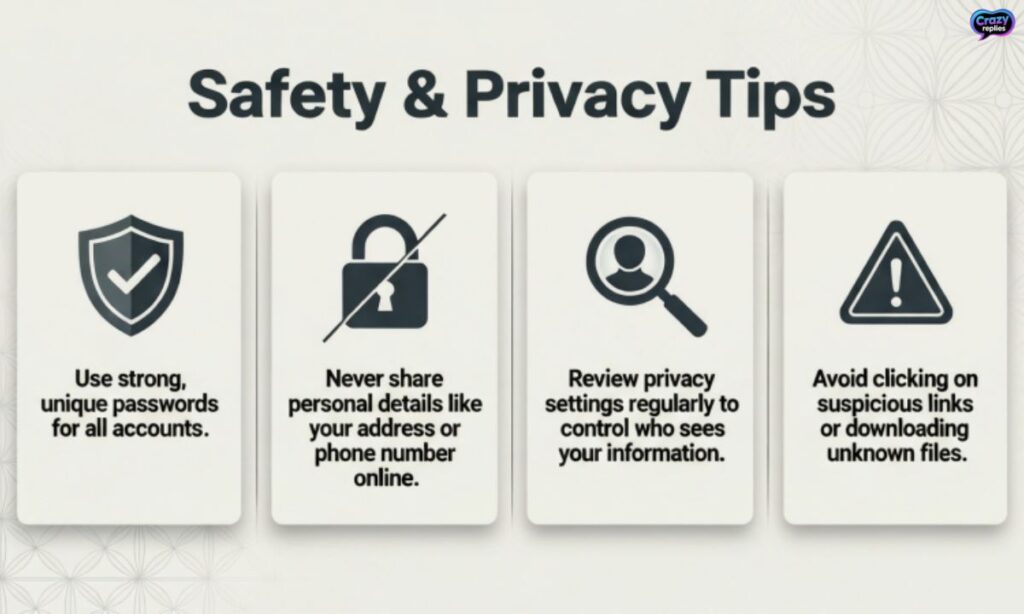
When you schedule WhatsApp message using third-party apps, protecting your privacy and data should be a top priority. Not all WhatsApp automation tools handle your information securely, so choose carefully and follow best practices.
Important Security Measures:
Review App Permissions: Only grant necessary permissions to apps that schedule WhatsApp message, and avoid tools requesting excessive access to your contacts or messages🔒 .
Use Trusted Apps Only: Download WhatsApp message scheduler app options from official stores like Google Play or Apple App Store with good reviews and verified developers.🛡️
Protect Your Data: Avoid sharing sensitive information through scheduled messages, and ensure any WhatsApp automation software you use has clear privacy policies and encryption standards.
Fun & Personal Use Ideas
Beyond business, you can schedule WhatsApp message for personal moments that strengthen relationships and show people you care. WhatsApp message planner tools help you never forget important dates and stay connected with loved ones effortlessly.
Creative Personal Uses:
Birthday Wishes: Schedule WhatsApp message at midnight to be the first person wishing someone happy birthday, making them feel extra special.🎉
Anniversary Reminders: Set up automatic messages for wedding anniversaries, relationship milestones, or friendship anniversaries so you never miss celebrating.🎂
Family Check-ins: Schedule WhatsApp message to remind elderly parents to take medicine or send weekly “thinking of you” notes to distant relatives.👨👩👧👦
Daily Motivation: Create recurring inspirational messages to send yourself or friends every morning, using WhatsApp reminders to start each day positively.
Final Words
Scheduling WhatsApp messages saves time and keeps you organized. You can send wishes, reminders, or updates automatically without forgetting.
This 2026 step-by-step guide makes it easy for everyone. Start scheduling today and make your messaging simple and smart!
Frequently Asked Questions
How can I schedule a WhatsApp message?
You can schedule messages using apps like SKEDit, iPhone Shortcuts, or WhatsApp Business tools to send messages automatically at the right time.
Can I schedule WhatsApp messages on Android?
Yes! Android users can use third-party apps like SKEDit or WappBiz to plan messages in advance and never miss important reminders.
Can I schedule WhatsApp messages on iPhone?
Absolutely! iPhone users can use the Shortcuts app to create personal automations that send WhatsApp messages at a set time.
Is there a way to schedule WhatsApp messages for groups?
Yes, some apps and WhatsApp Business API allow scheduling for groups, so your messages reach everyone at the same time.
Can I schedule WhatsApp messages while my phone is off?
Most phone-based apps require your phone to be on and connected to the internet. For guaranteed delivery, use server-side tools like WappBiz.
How do businesses schedule WhatsApp messages?
Businesses use WhatsApp Business App or API tools to automate greetings, follow-ups, and bulk campaigns for better customer engagement.
Is scheduling WhatsApp messages safe?
Yes! Using trusted apps or official WhatsApp Business tools keeps your messages private and secure.

Nate Wilder has 4 years of experience crafting witty, smart replies and writing about relationships. At CrazyReplies.com, he shares fun, clever, and heartwarming responses that make conversations more interesting and connections stronger.