
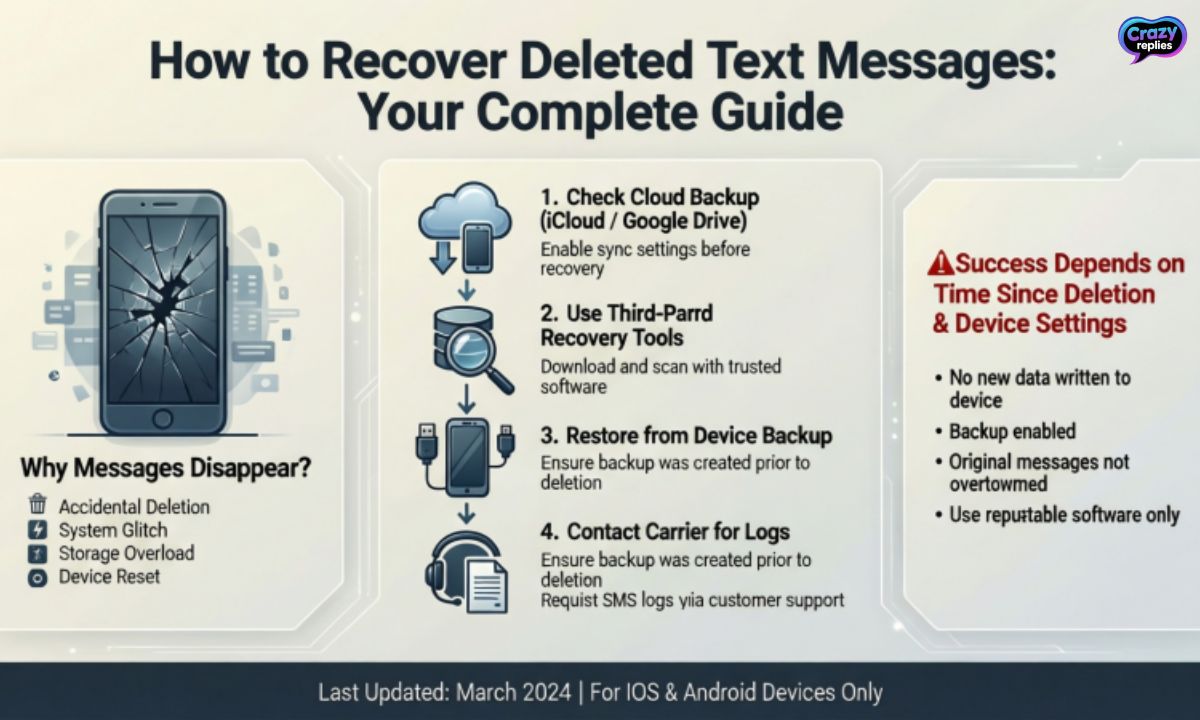
Ever accidentally deleted a text and wished you could press “undo”? Don’t panic lost messages aren’t always gone forever!
From iPhone backups to Android recovery tools, this guide will show you all the tricks to get your deleted texts back fast.
Can You Retrieve Deleted Text Messages?
Yes, you can retrieve deleted text messages in most cases. Whether you accidentally deleted an important conversation or lost messages after a phone reset, recovery is often possible. The success depends on how quickly you act and whether you have a backup in place.
The good news is that both iPhone and Android devices offer multiple ways to retrieve deleted text messages. You might restore them from iCloud backup, Google Drive, or use specialized SMS recovery software.
Even without a backup, some methods can help you recover lost text conversations before they’re permanently erased from your device.
Method 1: Recover Deleted Text Messages from iPhone Backup
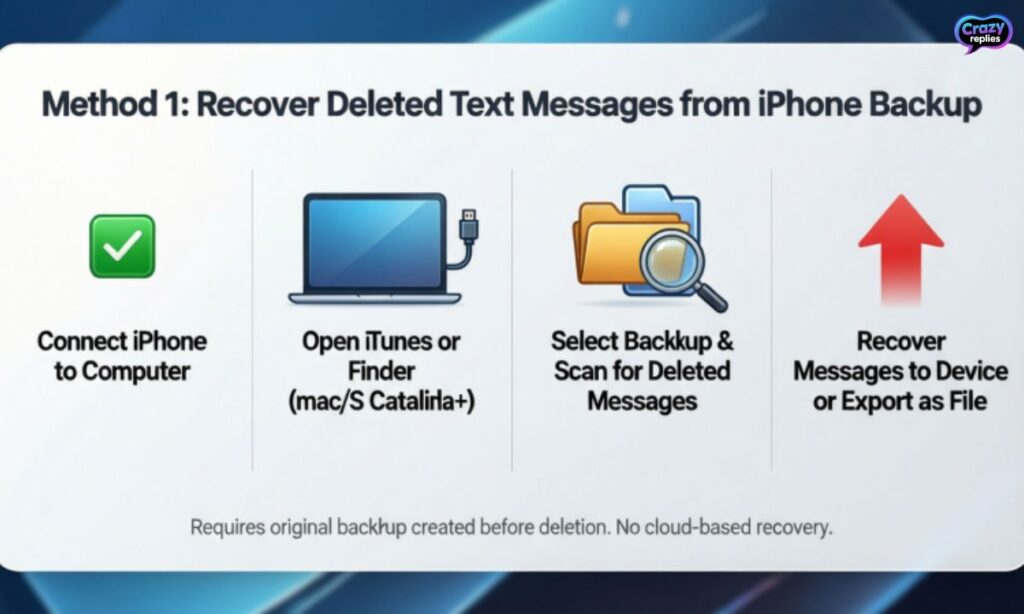
If you regularly back up your iPhone, you can retrieve deleted text messages through iCloud or iTunes backup. This is one of the easiest methods to restore deleted texts without any third-party software.
Apple automatically saves your SMS and iMessages when backup is enabled, making recovery straightforward.
To retrieve deleted text messages from your iPhone backup, your device will restore all data from the backup date you choose. Keep in mind this will replace your current data, so make sure the backup contains the messages you need.
Steps to restore messages from iCloud backup:
- Go to Settings > General > Transfer or Reset iPhone > Erase All Content and Settings
- Set up your iPhone and choose Restore from iCloud Backup when prompted
- Sign in with your Apple ID and select the backup that contains your deleted messages
- Wait for the restore process to complete your device will restart automatically
- Check your Messages app to confirm your deleted texts are recovered
Method 2: Recover Deleted Text Messages from iCloud Website
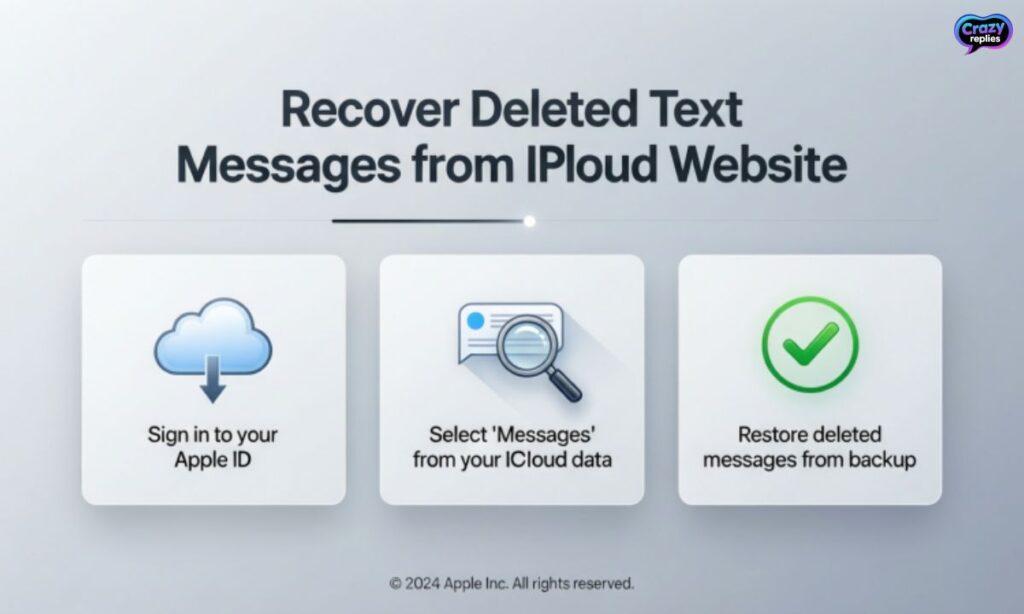
Apple recently added a feature that lets you retrieve deleted text messages directly from the iCloud website without restoring your entire device. This method works if you have iCloud Messages enabled and deleted your texts within the last 30 days.
It’s a much simpler approach compared to a full iPhone backup restore.
You can access recently deleted messages through iCloud.com and recover them selectively. This means you don’t have to erase your current phone data or wait for a complete backup restoration.
It’s perfect when you only need to retrieve deleted text messages without affecting anything else on your device.
Steps to recover messages from iCloud website:
- Open a web browser and go to iCloud.com
- Sign in with your Apple ID and password
- Click on Messages from the iCloud app menu
- Look for the Recently Deleted folder in the sidebar
- Select the conversations you want to recover
- Click Recover to restore deleted texts back to your iPhone Messages app
Method 3: Recover Deleted Texts on Android
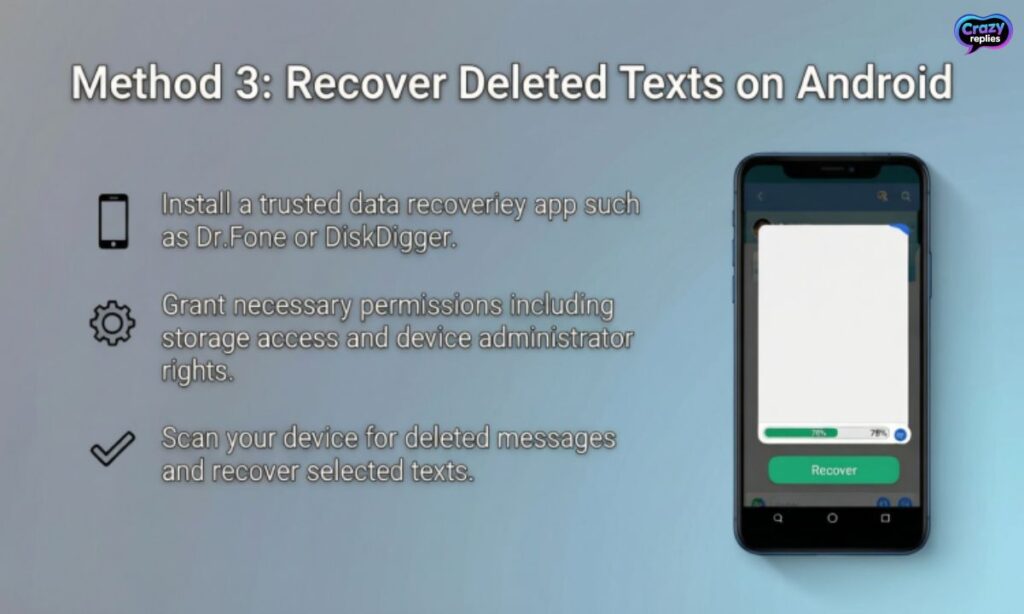
Android users can retrieve deleted text messages using Google Drive backup or specialized SMS recovery software. If you’ve enabled Google One backup on your device, your messages are automatically saved to the cloud.
Android SMS recovery is slightly different from iPhone since Google handles backups through your Google account.
You can also use third-party tools like DroidKit SMS restore or Dr.Fone text recovery to retrieve deleted text messages without backup. These mobile data recovery apps scan your Android device’s internal storage for deleted SMS data.
They work best when you act quickly after deletion, as new data can overwrite old messages.
Steps to recover texts using recovery software:
- Download a trusted Android text retrieval tool like DroidKit or Dr.Fone on your computer
- Connect your Android phone via USB cable and enable USB debugging in Developer Options
- Launch the software and select SMS Recovery or Text Message Recovery option
- Let the app scan your device for deleted messages and preview recoverable texts
- Select the conversations you want and click Recover to save them back to your phone
Method 4: Contact Your Carrier
Some people don’t know that mobile carriers keep SMS records for a limited time, which means you might retrieve deleted text messages by contacting your service provider directly.
However, carriers typically only store message metadata like timestamps and phone numbers, not the actual message content. You’ll need a valid reason like legal purposes or business SMS archive needs, and they may require a court order to release any information.
| Carrier | SMS Retention Period | Content Stored? |
| Verizon | 3–5 days | Metadata only |
| AT&T | 5–7 days | Metadata only |
| T-Mobile | Up to 5 days | Metadata only |
| Sprint | 1–3 days | Metadata only |
How to Recover Deleted Text Messages from Your Business Texting Software
If you use business texting platforms for customer communication, you can easily retrieve deleted text messages from their archives. Most business SMS services automatically store all conversations on their servers.
Unlike personal phones, these platforms keep your text message history safe for months or even years.
To recover business text logs, just log into your messaging dashboard and check the archive section. This makes it simple to retrieve deleted text messages for legal purposes or customer service reviews.
Business texting compliance requires proper text message retention, so most platforms never permanently delete your data.
When business SMS archives help you:
- Legal documentation :Recover corporate SMS records for disputes or court cases
- Customer service review :Retrieve customer texts to check past conversations
- Compliance requirements :Meet business texting compliance and text message retention rules
- Training purposes :Save text message history to train new team members
Common Reasons Why Text Messages Get Deleted
Understanding why messages disappear helps you prevent text message loss and know when you can retrieve deleted text messages. Sometimes it’s a simple mistake, while other times it’s a technical issue beyond your control.
Knowing the cause helps you choose the right recovery method faster.
Whether you accidentally deleted messages or lost them due to a system error, the sooner you act, the better your chances of recovery. Most people don’t realize their texts are gone until they need them urgently, which is why regular text message backup is so important.
Common reasons for losing text messages:
- Accidental deletion :You swipe and delete a conversation by mistake while cleaning up your inbox
- Phone reset or factory restore :Resetting your device without backing up erases all SMS data permanently
- Software updates gone wrong :iOS or Android updates can sometimes cause data loss or app crashes
- App malfunction :Messaging apps may crash or corrupt data, deleting recent conversations
- Storage full :When your phone runs out of space, it may automatically delete old text messages to free up memory
Top SMS Recovery Software for iPhone and Android
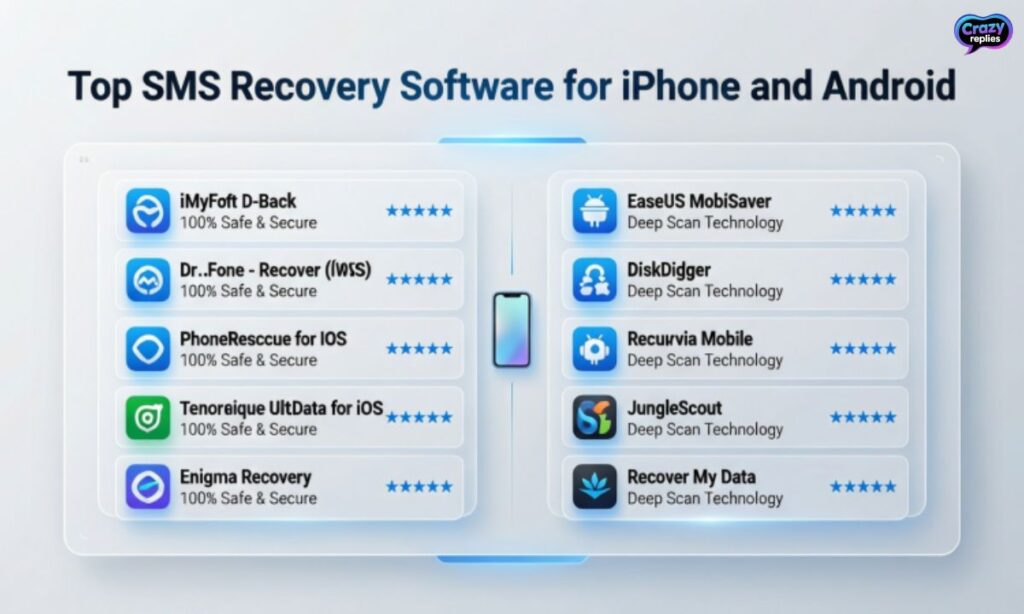
When backups aren’t available, specialized SMS recovery software can help you retrieve deleted text messages directly from your device. These mobile text recovery tools scan your phone’s internal memory to find and restore deleted conversations.
They work for both accidentally deleted messages and lost SMS after system crashes or updates.
Popular text message recovery tools:
- Dr.Fone Text Recovery :One of the most trusted tools to retrieve deleted text messages from both iPhone and Android
- DroidKit SMS Restore :Specifically designed for Android text retrieval with high success rates
- SMS Backup & Restore :Free app that helps backup iPhone messages and restore old text messages easily
- PhoneRescue :Works for iPhone backup restore and can recover deleted iMessages without computer
- iMobie AnyTrans :Allows selective message recovery and helps restore deleted conversations quickly
- Tenorshare UltData :Powerful tool for iPhone text recovery and deleted SMS recovery on iOS devices
| Software | Platform | Key Features |
| Dr.Fone | iPhone & Android | Deep scan recovery, preview before restore, recover messages without backup |
| DroidKit | Android only | Android SMS recovery, recover deleted MMS, easy interface |
| SMS Backup & Restore | Android only | Free backup solution, restore messages from backup, scheduled backups |
| PhoneRescue | iPhone & Android | iCloud text merge, recover lost iMessages, no data overwrite |
| Tenorshare UltData | iPhone only | Recover deleted iMessages, restore iPhone messages selectively, fast scanning |
Legal and Privacy Considerations When Recovering Texts
Recovering deleted texts can have legal implications ⚖️. Always make sure you follow privacy rules and local laws before accessing someone else’s messages.
Even for your own messages, some carriers or apps may require court orders to release deleted text logs.
Key points to remember:
- You may need a court order to retrieve messages from your carrier.
- Always follow data privacy laws to avoid legal issues.
- Never attempt to access someone else’s messages without permission.
Tips for Quickly Recovering Lost Text Messages
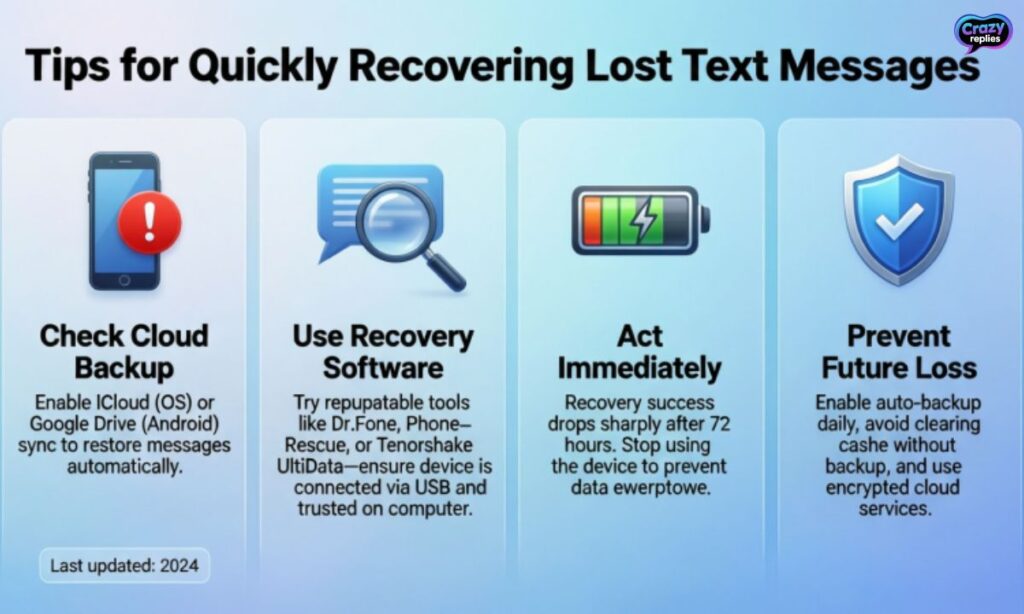
When you realize you’ve lost important texts, acting fast increases your chances to retrieve deleted text messages successfully. The longer you wait, the more likely new data will overwrite your deleted SMS.
Quick action combined with the right recovery method can save those critical conversations before they’re gone forever.
Following these SMS recovery tips can make the difference between successful restoration and permanent loss. Whether you need to recover customer texts for business or retrieve old text conversations for personal reasons, these steps will guide you through lost SMS recovery solutions effectively.
Quick recovery tips to follow:
- Stop using your phone immediately :Don’t send new texts or install apps, as this can overwrite deleted message data
- Check your backups first :Look for iCloud backup SMS or Google Drive backups before trying recovery software
- Enable Airplane Mode :This prevents new data from syncing and overwriting your deleted texts
- Use SMS recovery software quickly :Download trusted tools like Dr.Fone text recovery or DroidKit SMS restore while data is still recoverable
- Don’t factory reset your device :This permanently erases everything and makes it nearly impossible to retrieve deleted text messages
How to Prevent Deleted Business Text Messages
The best way to retrieve deleted text messages is to never lose them in the first place. For businesses, losing customer texts can cause compliance issues or legal problems. Setting up automatic text message backup through your business texting platform keeps your corporate SMS records safe forever.
Most business messaging services offer built-in text message retention that saves your business text logs automatically. Before choosing a platform, ask about their backup policies.
This prevents the stress of trying to recover messages for legal purposes or retrieve customer texts after deletion.
Questions to ask your business texting provider:
- How long do you retain our text message history, and can we retrieve deleted text messages anytime?
- Do you offer automatic backup and can we export our business SMS archive for compliance?
- What recovery options exist if we accidentally delete important customer texts?
Final Words
Recovering deleted text messages is easier than you think. Just follow the right steps, and your messages can be back in no time.
Always keep backups and use trusted recovery tools. This way, you won’t have to worry about losing important texts again.
Frequently Asked Questions
How can I quickly retrieve deleted text messages on my phone?
You can recover deleted texts using iPhone backups, iCloud, or Android recovery apps just follow simple steps and your messages can be back!
Is it possible to retrieve deleted text messages without a backup?
Yes! On Android, some recovery tools can scan your phone’s memory for deleted messages. On iPhone, it’s trickier but still possible with specialized software.
Can I retrieve deleted text messages from iCloud?
Absolutely! If your iPhone messages were backed up to iCloud, you can restore them by merging or restoring an old backup.
What is the best app to retrieve deleted text messages on Android?
Apps like Dr.Fone, DroidKit, and SMS Backup & Restore are popular choices to recover lost or deleted messages safely.
How long do I have to retrieve deleted text messages?
The sooner you act, the better! Deleted messages can be overwritten by new data, so try recovery as soon as possible.
Can my phone carrier help me retrieve deleted text messages?
Sometimes! Some carriers keep text logs, but you may need a court order or special request to access them.
Are there ways to prevent losing text messages in the future?
Yes! Regularly back up your phone, use cloud services, or choose business texting apps that save message logs automatically.

Nate Wilder has 4 years of experience crafting witty, smart replies and writing about relationships. At CrazyReplies.com, he shares fun, clever, and heartwarming responses that make conversations more interesting and connections stronger.